

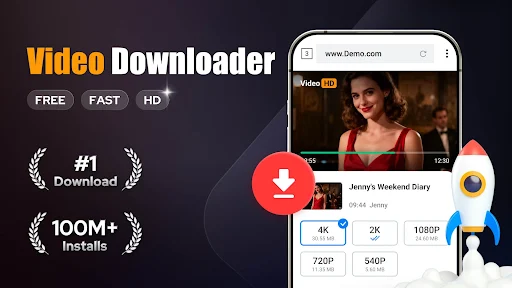
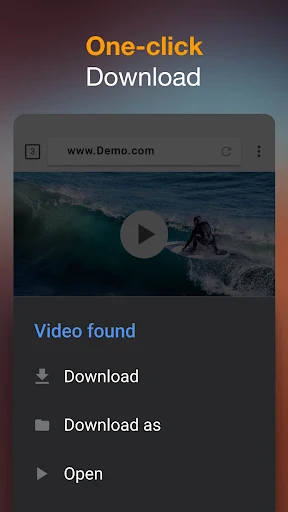
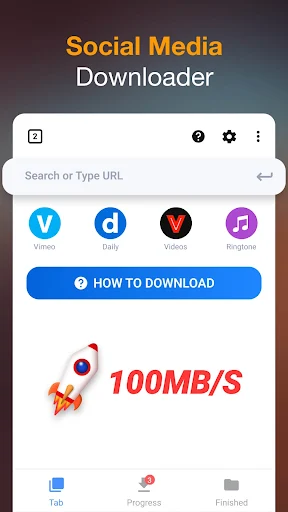
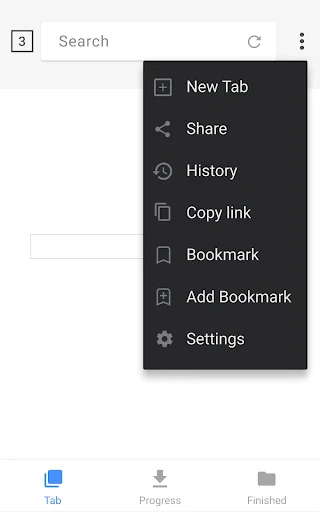
Video Downloader is an app designed to facilitate downloading various types of content directly from the internet onto your device. It enables users to save videos, music, and even documents or pictures from websites, which can then be played or viewed offline using its integrated player. The app features a built-in browser for discovering content, automatically detecting downloadable media on webpages, and providing a straightforward way to initiate downloads with a single tap.
Downloading Content
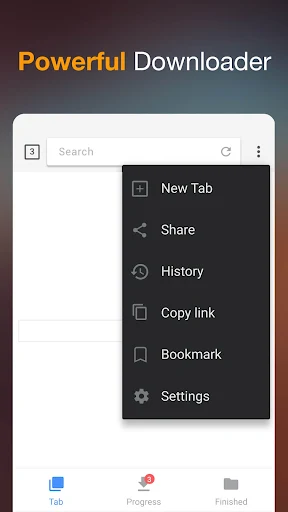
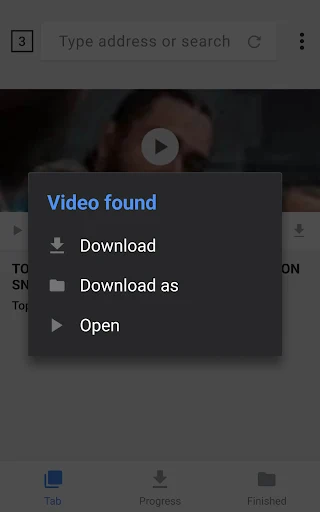
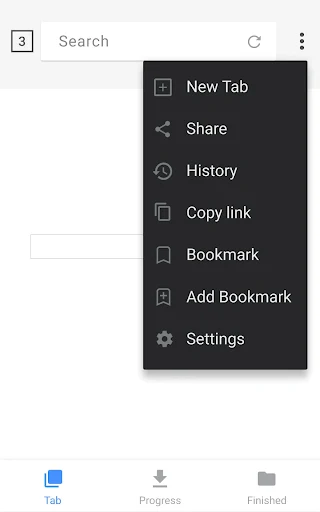
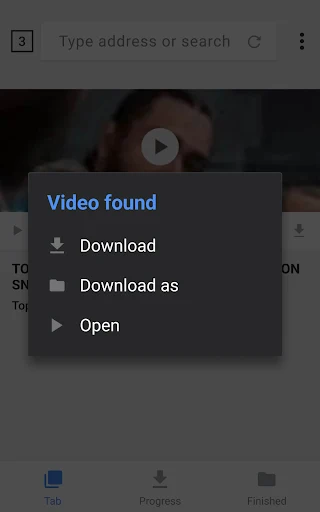
The app incorporates a built-in browser, allowing you to navigate websites directly within the app. As you browse, Video Downloader automatically identifies downloadable videos and other media. To save content, you simply tap the download button and select the desired file. The app supports a wide array of formats, including common video types like mp4, m4v, mov, avi, and wmv, audio formats such as mp3 and m4a, and even document types like doc, xls, pdf, and txt, as well as pictures.
Integrated Download Management
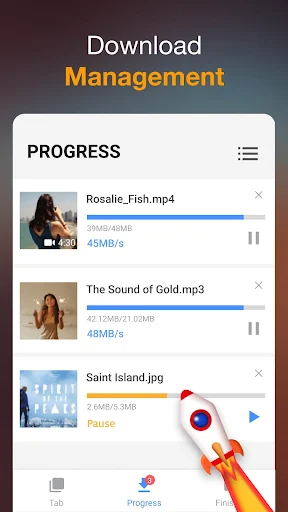
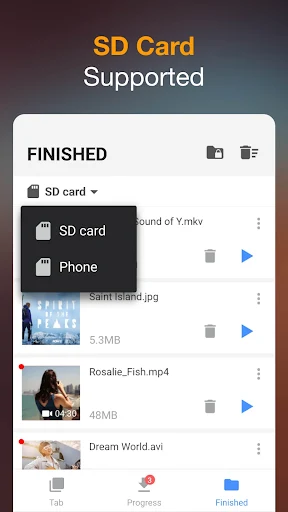
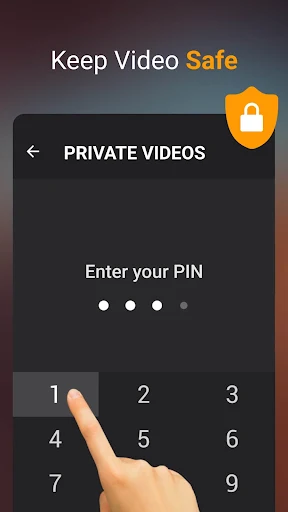
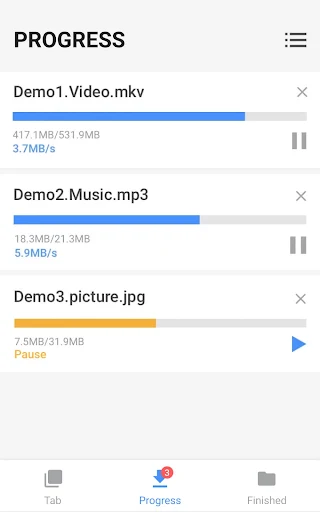
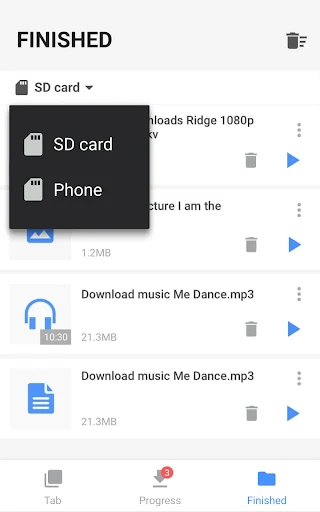
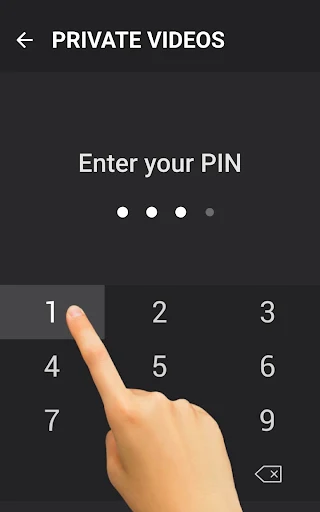
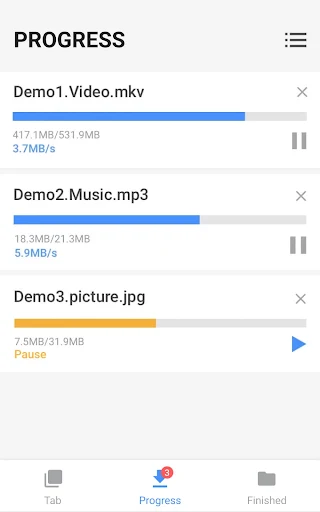
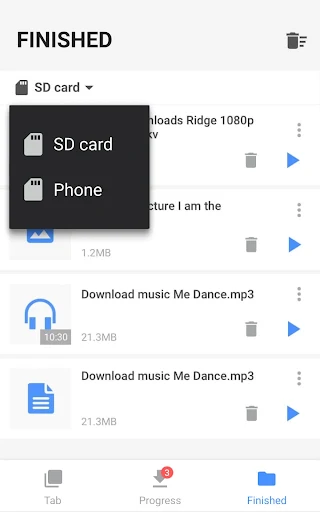
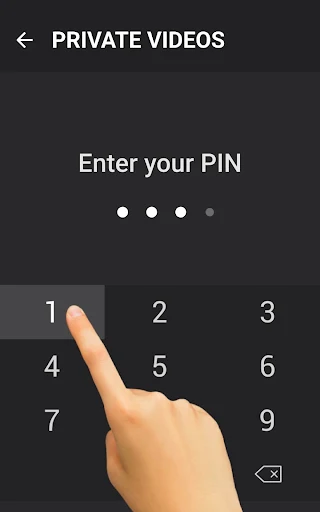
Video Downloader includes a full-featured download manager that provides comprehensive control over your downloads. Users can pause, resume, and remove downloads as needed. The app also supports downloading multiple files concurrently and allows downloads to continue in the background, even if you navigate away from the app. For added convenience, it can resume failed downloads automatically, and users can monitor progress through a dedicated download bar. The app is capable of handling large files and supports HD video downloads, with an option to save downloaded files into a password-protected folder. All downloaded content can be stored directly on your device or to an SD card. Additionally, you can add bookmarks for frequently visited websites within the built-in browser.
Offline Playback
Once files are downloaded, Video Downloader allows you to play videos and music offline using its integrated player. This means you can access your saved content without an active internet connection.







Write a review